Online AI photo editor
AI Photo Editor Online
Upload an image, describe the change, and create a polished edit in seconds. Remove distractions, replace backgrounds, restyle photos, and refine portraits without complex editing software.
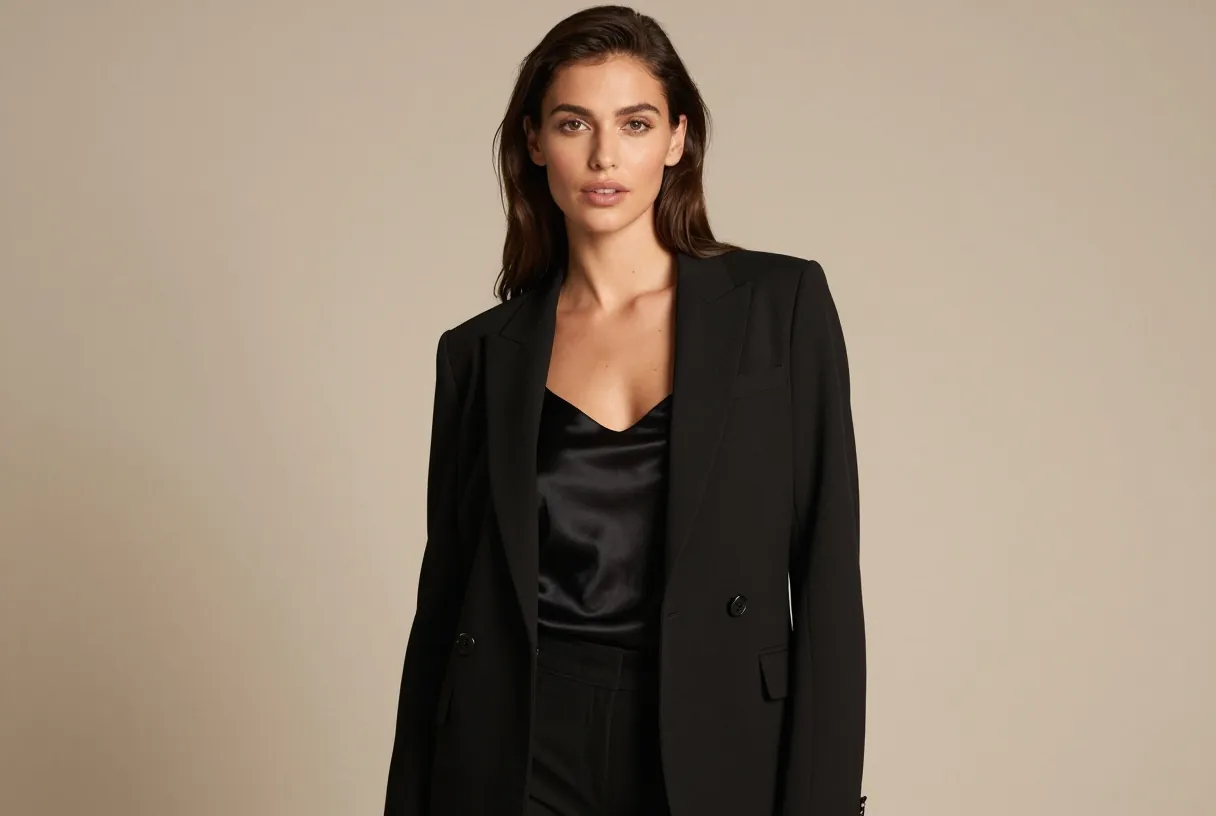 BeforeAfter
Free AI Photo Editor
Start with your image, write what you want to change, then generate and download your result from one focused workspace.
Upload an Image
Click to upload or drag and drop
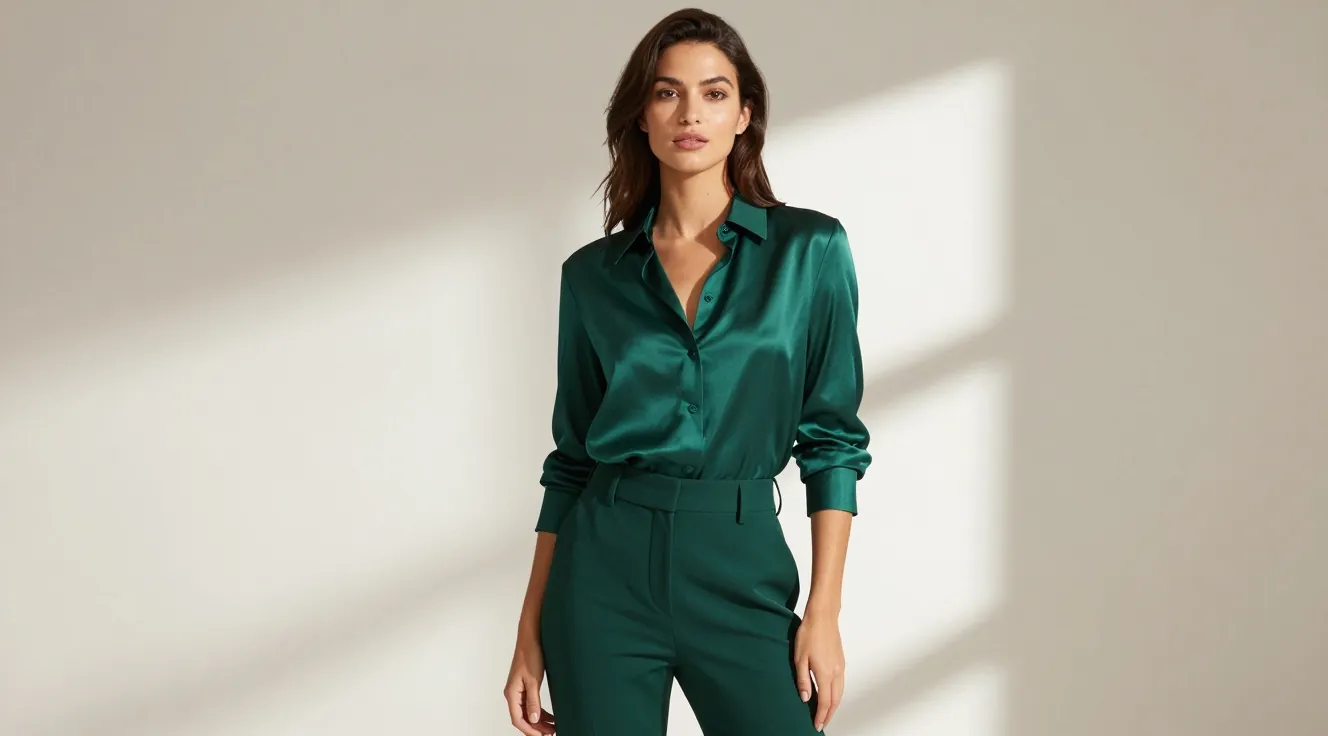
What Can an AI Photo Editor Do?
An AI photo editor turns everyday instructions into targeted image edits. Instead of selecting pixels or learning manual tools, you can describe the adjustment you need in plain language.
Use it to clean up a distracting background, swap an object, create a new visual style, improve a portrait, or make several creative variations from one source image. The original photo stays the visual reference while your prompt guides the result.
AI Editing Tools for Everyday Photo Work
Use text-guided editing when you need a fast starting point, a visual variation, or a finished image without a manual workflow.
Remove Unwanted Details
Describe a person, object, or distraction you want removed and generate a cleaner version of the image.
Replace Backgrounds
Create a new setting for portraits, products, and social content while keeping the main subject recognizable.
Restyle a Photo
Explore illustrated, cinematic, painterly, editorial, and other visual directions from the same source image.
Refine Portraits
Turn a casual source photo into a polished headshot-style image with clearer lighting and a deliberate backdrop.
Create Product Variations
Place a product into new scenes and make visual concepts for ads, listings, and campaign ideas.
Work with Plain Language
Tell the editor what to change in everyday words instead of working through layers, masks, and complex controls.
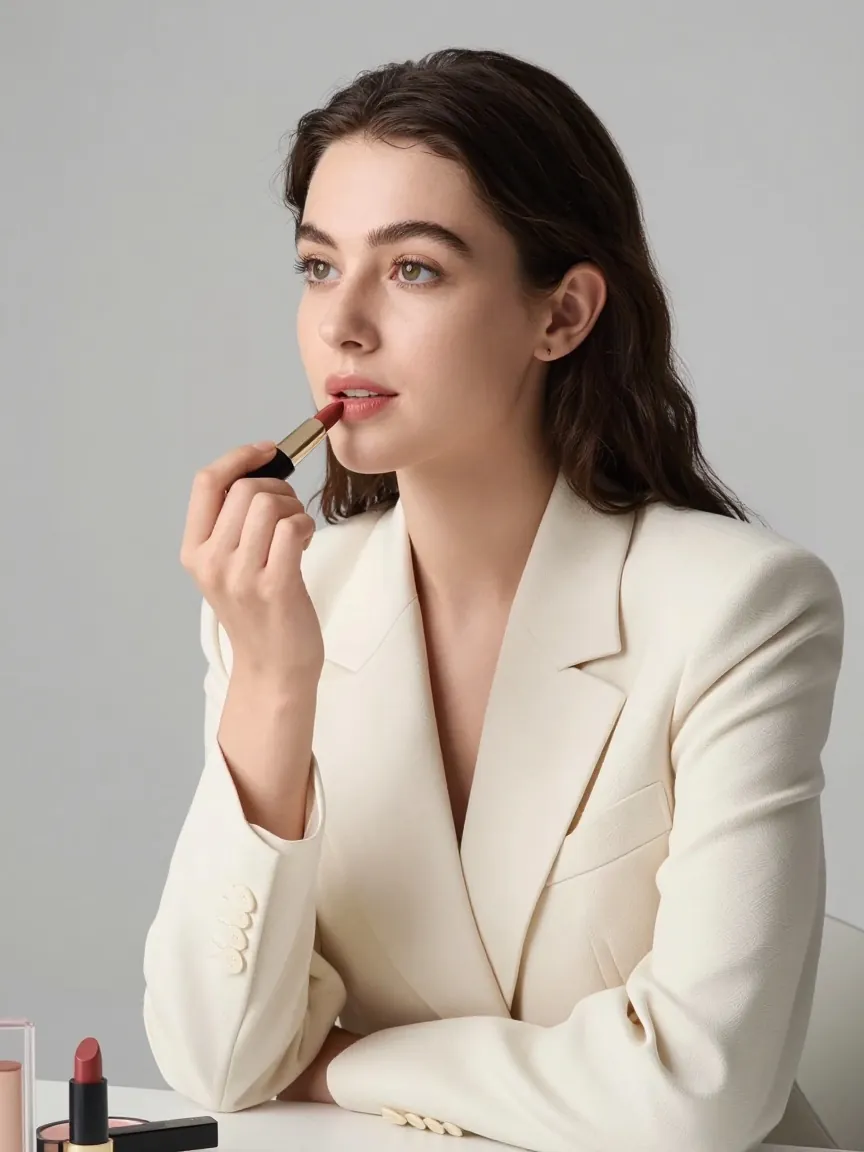
How to Edit Photos with AI
- 1
Upload a source image
Choose a clear JPG, PNG, or WebP image. It provides the subject, composition, and visual reference for the edit.
- 2
Write one focused instruction
Describe the change you want, such as “remove the glasses” or “replace the background with a bright studio.”
- 3
Generate and download
Create the edit, review the result, and download the version that fits your project.
See an AI Photo Edit in Action
Drag the slider to compare the source image with a text-guided edit.
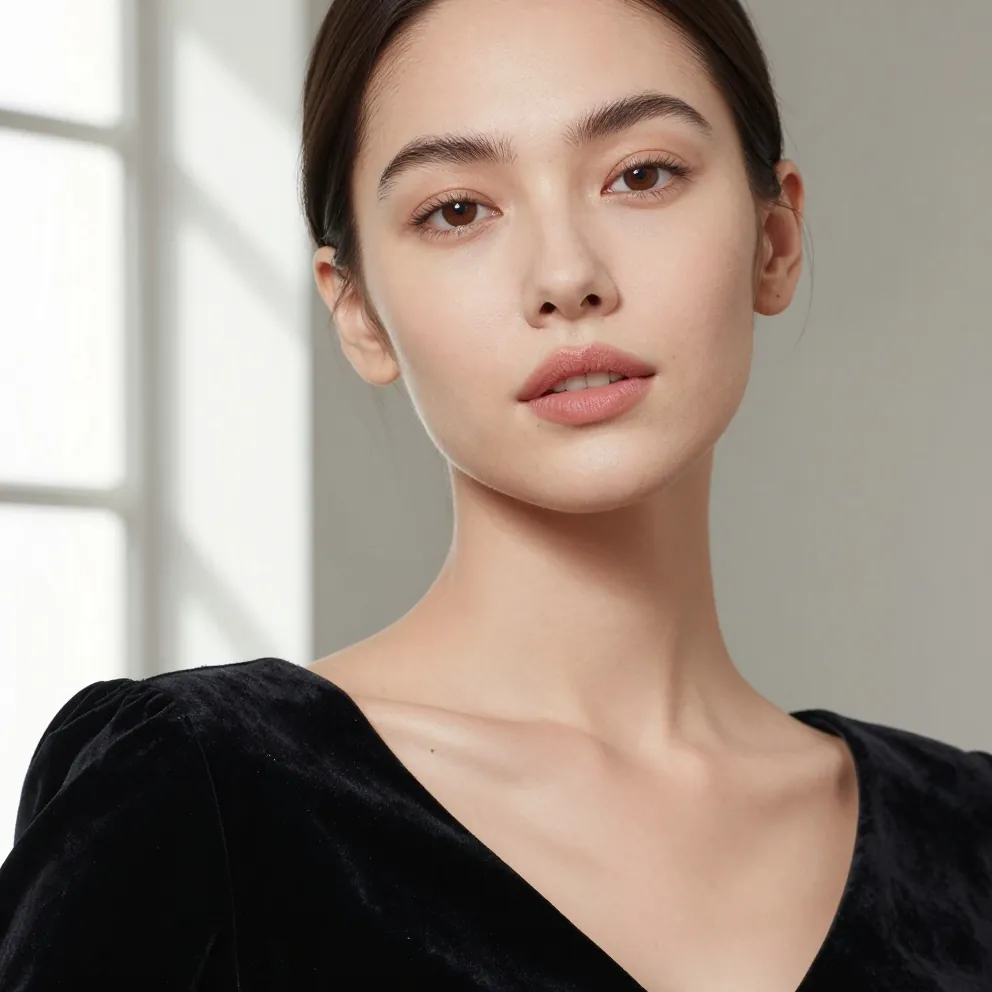
Refine a Portrait Naturally
Improve clarity, skin tone, and light while preserving the subject, expression, and framing.
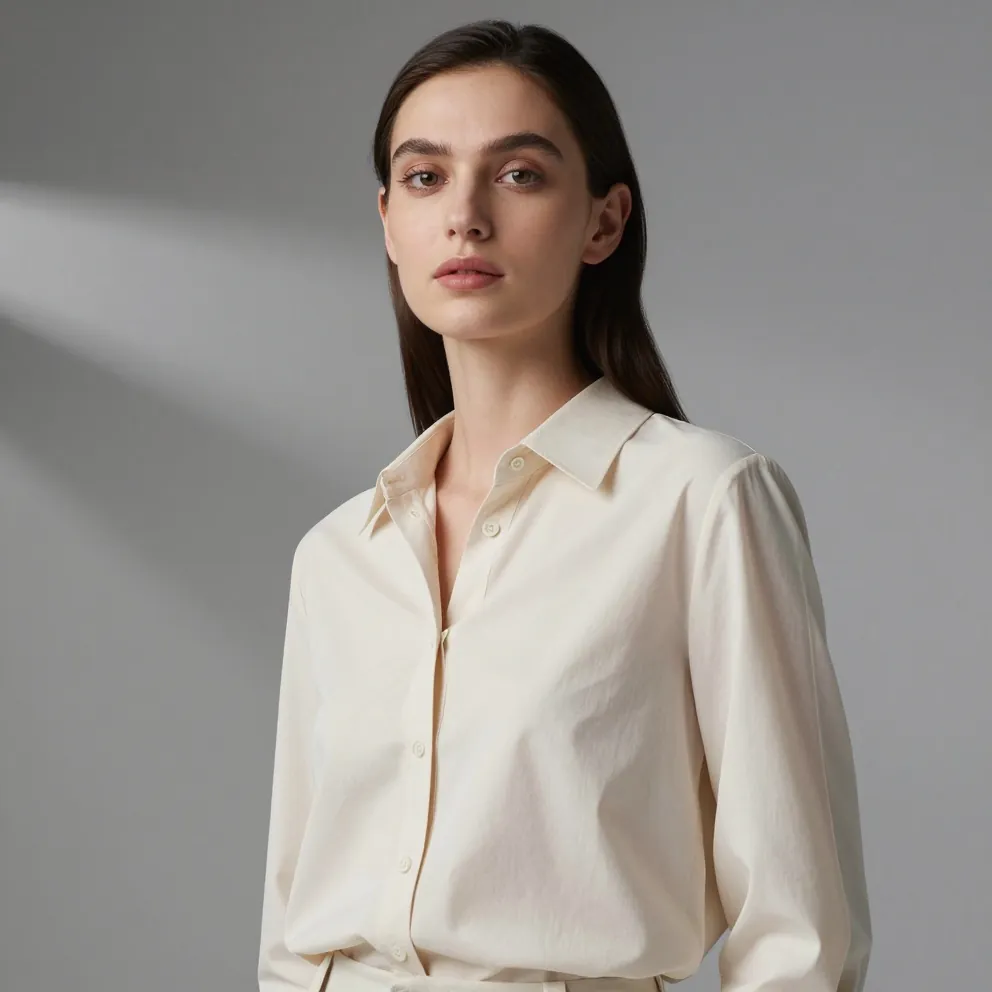
Create Clean Studio Lighting
Lift the subject and background into a brighter commercial portrait without changing the pose.
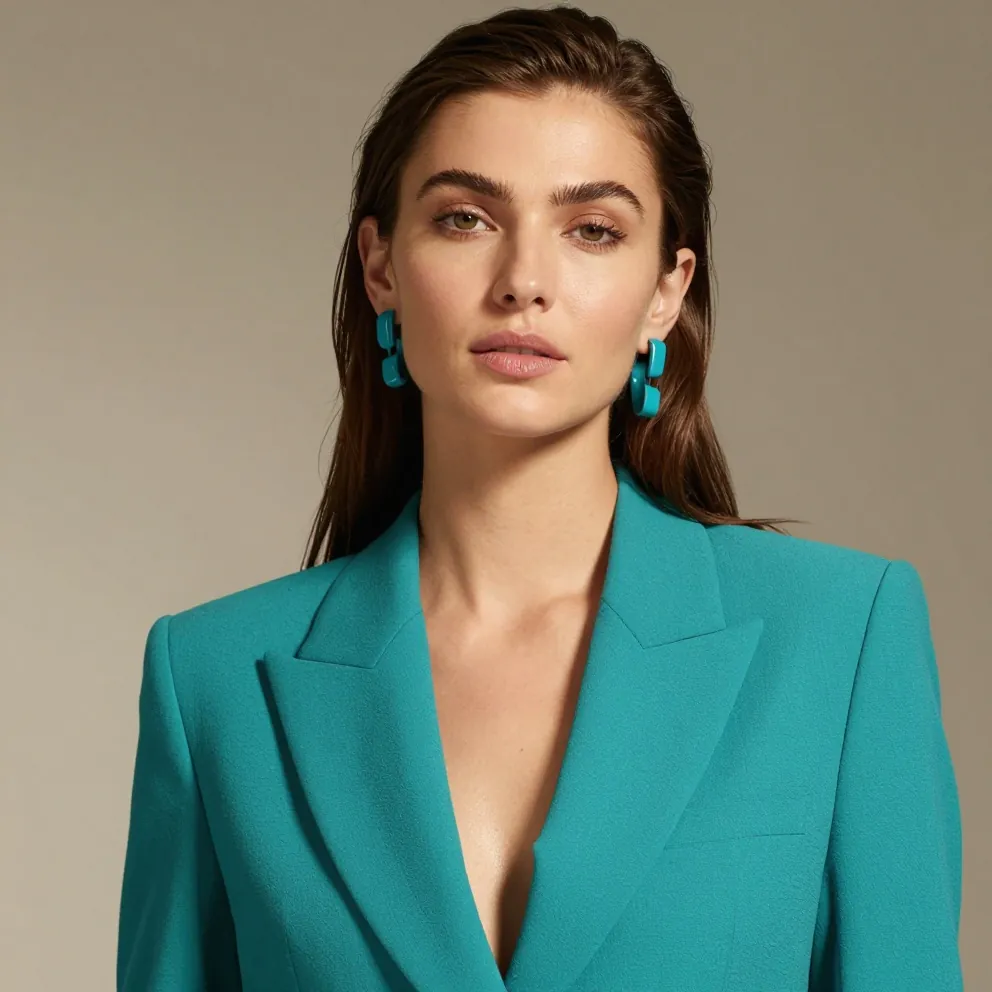
Change the Color Direction
Explore a bold fashion palette while keeping the model, outfit structure, and composition consistent.
Prompts to Try in a Free AI Photo Editor
A precise request gives the editor a clear creative direction. Start with one change and name the subject or area you want to preserve.
“Remove the sunglasses and preserve the face, hairstyle, and lighting.”
“Replace the background with a clean, softly lit studio.”
“Turn this product photo into a premium lifestyle advertisement.”
“Restyle this portrait as a detailed editorial illustration.”
AI Photo Editor FAQ
Answers to common questions about editing photos with AI online.
An AI photo editor uses your uploaded image as a visual reference and applies changes based on a written instruction. It can help with object removal, background changes, restyling, portrait refinements, and other image variations.